
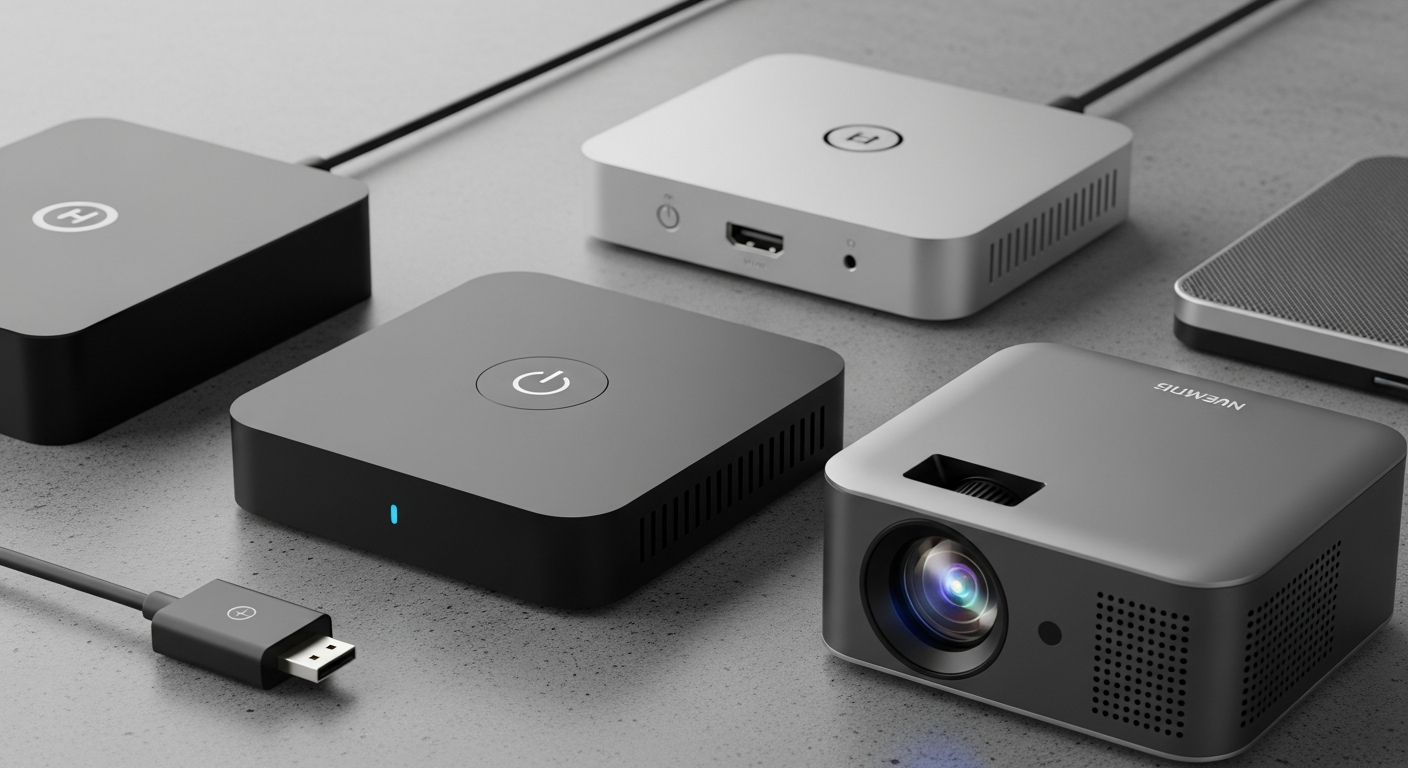
Streaming devices are small gadgets that plug into your TV, letting you watch your favorite shows and movies from the internet. They turn any TV into a smart TV, giving you access to countless apps like Netflix, Disney+, and YouTube.
1. Do I need a streaming device if I have a smart TV?
Not always, but often yes! While smart TVs have built-in apps, dedicated streaming devices like Roku, Fire Stick, and Apple TV often offer a smoother experience, more apps, and faster updates. They can make your TV feel brand new.
Think of it like this: your smart TV might have a basic web browser, but a dedicated laptop gives you a much better internet experience. Streaming devices are specialized for entertainment, offering better performance and features than many built-in smart TV systems.
2. Roku vs Fire TV vs Apple TV — what is the difference?
These are the three big players, each with its own flavor. Roku is known for its simple interface and wide app selection. Fire TV (Amazon's device) integrates deeply with Amazon services and has Alexa voice control. Apple TV is premium, works best with other Apple devices, and offers a sleek, high-quality experience.
The core difference is the "ecosystem" they belong to. Roku is neutral, Fire TV is Amazon-centric, and Apple TV is Apple-centric. This influences their features, how they look, and how they connect with other devices you own.
3. Which is cheapest?
Generally, Roku and Fire TV devices offer the most affordable options, with entry-level models often priced under $50. Amazon's Fire TV Stick Lite and Roku Express are usually the cheapest ways to start streaming. These are great for basic streaming without breaking the bank.
Apple TV is consistently the most expensive, starting at around $129 for its base model. It's considered a premium device, offering advanced features and tighter integration with Apple's ecosystem, justifying its higher price tag.
Roku & Fire TV
- Lower starting prices
- Frequent sales
- Good for basic streaming
Apple TV
- Higher upfront cost
- Premium features
- Best for Apple users
4. Which has the best apps?
All three platforms offer access to almost all major streaming apps like Netflix, Hulu, Disney+, and YouTube. Roku is famous for its vast "Channel Store" with thousands of apps, including many niche ones. Fire TV also has a huge selection, boosted by Amazon's own content.
Apple TV has a slightly smaller, more curated app store, but it focuses on high-quality apps optimized for the Apple TV experience. For most people, any of these devices will have all the apps they need. Roku often wins for sheer quantity of unique apps.
5. Which is best for 4K?
All three brands offer excellent 4K streaming devices. Roku's Streaming Stick 4K and Ultra, Amazon's Fire TV Stick 4K Max, and Apple TV 4K all support stunning 4K resolution, HDR, and sometimes Dolby Vision for incredible picture quality. You'll need a 4K TV and 4K content to see the difference.
The real difference for 4K often comes down to performance and features like Wi-Fi 6E support or faster processors for smoother playback, which are usually found in the higher-end models of each brand. Apple TV 4K is often considered top-tier for its consistent performance.
6. Do they all work with my TV?
Yes, almost certainly! All these devices connect to your TV using an HDMI port. If your TV has an HDMI port (which nearly all TVs made in the last 15 years do), it will work. You just plug the device in, connect it to power, and follow the on-screen setup.
For the best experience, especially with 4K content, ensure your TV has an HDMI port that supports HDCP 2.2. But even older TVs will work, just at a lower resolution like 1080p or 720p, depending on your TV's capabilities.
7. Which is easiest to use?
Roku is widely praised for its incredibly simple and straightforward interface. It presents all your apps in a grid, making it very easy to find what you want without much fuss. It's often recommended for beginners or those who prefer a no-frills experience.
Fire TV and Apple TV also have user-friendly interfaces, but they can be a bit more feature-rich. Fire TV promotes Amazon content heavily, which some find distracting. Apple TV is sleek but might take a moment longer to get used to if you're not already an Apple user.
Ease of Use Flow
8. Can I use them in another country?
Yes, but with some limitations. The physical device will work anywhere with power and an HDMI port. However, the apps and content available are usually tied to the region where you set up the device and your internet connection. Some apps might not be available, or content libraries might differ.
If you travel, you might find that some of your usual apps don't work or show different content. This is due to copyright and licensing agreements. While you can sometimes use VPNs, it's not always reliable or officially supported by the device makers.
9. Which has the best remote?
This is often a personal preference! Roku remotes are known for their simplicity, often featuring dedicated buttons for popular streaming services. Fire TV remotes integrate Alexa voice control, letting you search for shows or control smart home devices with your voice.
Apple TV's Siri Remote is sleek and premium, with a touch-enabled clickpad and Siri voice control. It also has a built-in accelerometer for some games. If you love voice commands, Fire TV or Apple TV are great. For pure simplicity, Roku often wins.
10. Which streaming device should I buy?
It depends on your needs! If you want the most affordable option, the simplest interface, and a huge selection of apps, a Roku device is an excellent choice. If you're an Amazon Prime subscriber, use Alexa, or want deep Amazon integration, a Fire TV Stick is perfect.
If you already own other Apple products (iPhone, iPad), want the most premium experience, or enjoy a powerful, future-proof device for gaming and high-quality streaming, the Apple TV 4K is worth the investment. Think about your budget and what features matter most to you.