
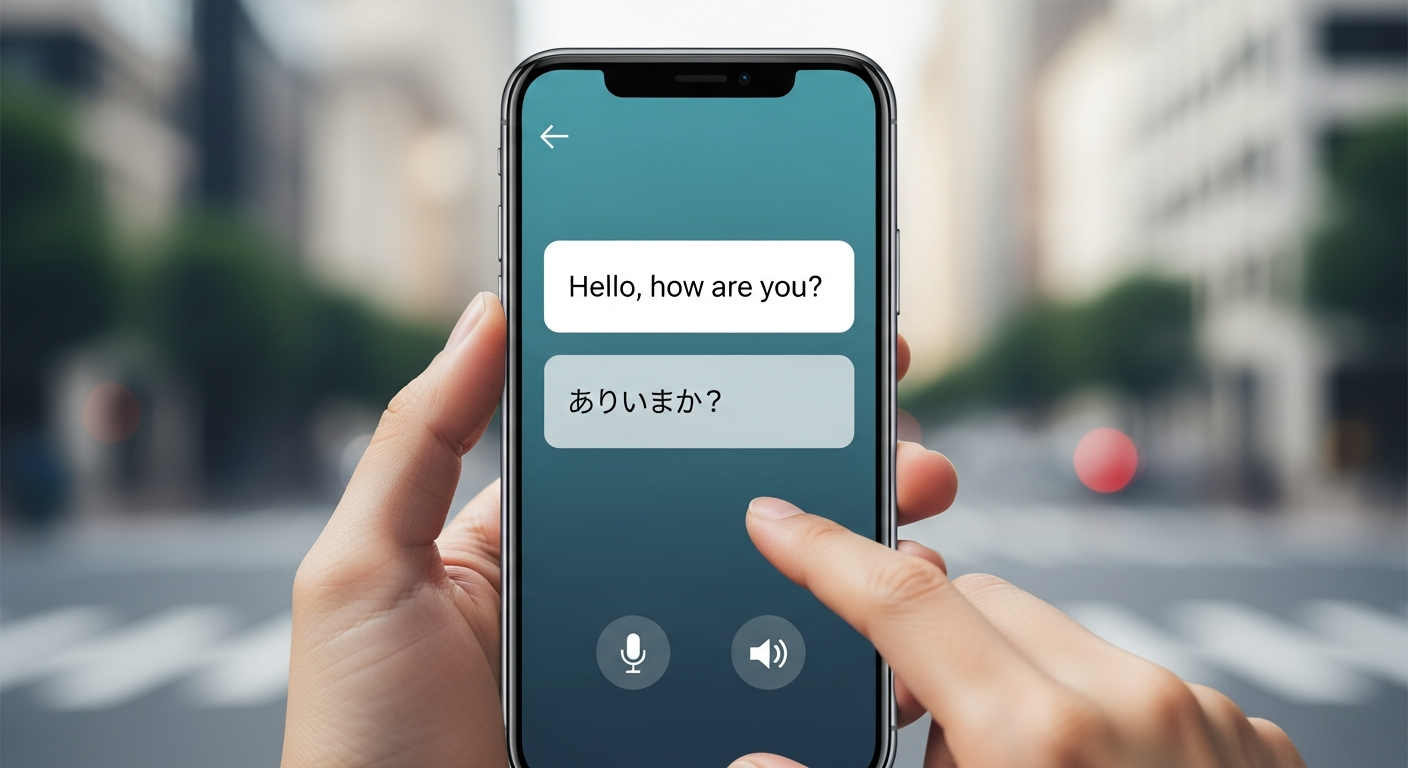
Which Translation Apps Are Best for Travelers?
Traveling to a new country is exciting, but language barriers can sometimes make things tricky. Translation apps are like having a personal interpreter right in your pocket, helping you understand and be understood.
1. Why should I use a translation app when traveling?
Translation apps make travel much smoother by helping you communicate with locals. They can assist with everything from ordering food and asking for directions to understanding public transport signs. This reduces stress and lets you enjoy your trip more fully.
2. What are the most popular translation apps?
The top choices for travelers are Google Translate, Microsoft Translator, and Apple Translate (for iPhone users). These apps are widely available, support many languages, and offer a variety of translation features. Each has its strengths, but all are excellent starting points.
3. How do I translate text by typing it in?
Most translation apps have a simple text box where you can type or paste words and sentences. Once you enter the text, the app instantly translates it into your chosen language. This is great for short phrases, messages, or copying text from websites.
Google Translate
- Languages: 133+
- Offline: Yes
- Camera: Yes
- Conversation: Yes
- Handwriting: Yes
Microsoft Translator
- Languages: 70+
- Offline: Yes
- Camera: Yes
- Conversation: Yes
- Multi-person chat: Yes
4. Can these apps translate spoken conversations?
Yes, most popular apps offer a "conversation mode." You speak into your phone, and the app translates your words aloud into the other language. The other person can then speak back, and the app translates their response for you. It’s like having a real-time interpreter.
5. How do I use my phone's camera to translate signs?
This feature is called "instant camera translation." You open the app, select the camera option, and point your phone's camera at a sign, menu, or label. The app then overlays the translated text directly onto your screen, making it easy to understand foreign writing in real-time.
6. Can I download languages for offline translation?
Absolutely, this is a crucial feature for travelers. Before you leave home or while you have Wi-Fi, you can download language packs for the countries you're visiting. This allows the app to translate even when you don't have an internet connection, saving you mobile data and ensuring you're never stuck.
7. Do they offer pre-made phrasebooks for common situations?
Many apps, or companion apps, include built-in phrasebooks with common sentences for travelers. These often cover categories like greetings, dining, shopping, emergencies, and directions. It's a quick way to find and use frequently needed phrases without typing them out.
Offline Translation Flow
8. How accurate are app translations generally?
Translation apps have become incredibly accurate, especially for common phrases and simple sentences. However, they might struggle with very complex sentences, slang, or highly specific technical terms. For critical communications, always try to simplify your language or confirm understanding.
9. What are some tips for using translation apps effectively?
Speak clearly and slowly into the microphone for conversation mode. For camera translation, ensure good lighting and hold your phone steady. Keep sentences short and simple for better accuracy. Remember to download languages for offline use before you travel.
10. Are there privacy concerns with translation apps?
Like many apps, translation apps collect data to improve their services. This might include your voice input or typed text. Most reputable apps have strong privacy policies. It's always wise to review the privacy settings of any app you use and be mindful of sensitive information you might input.