
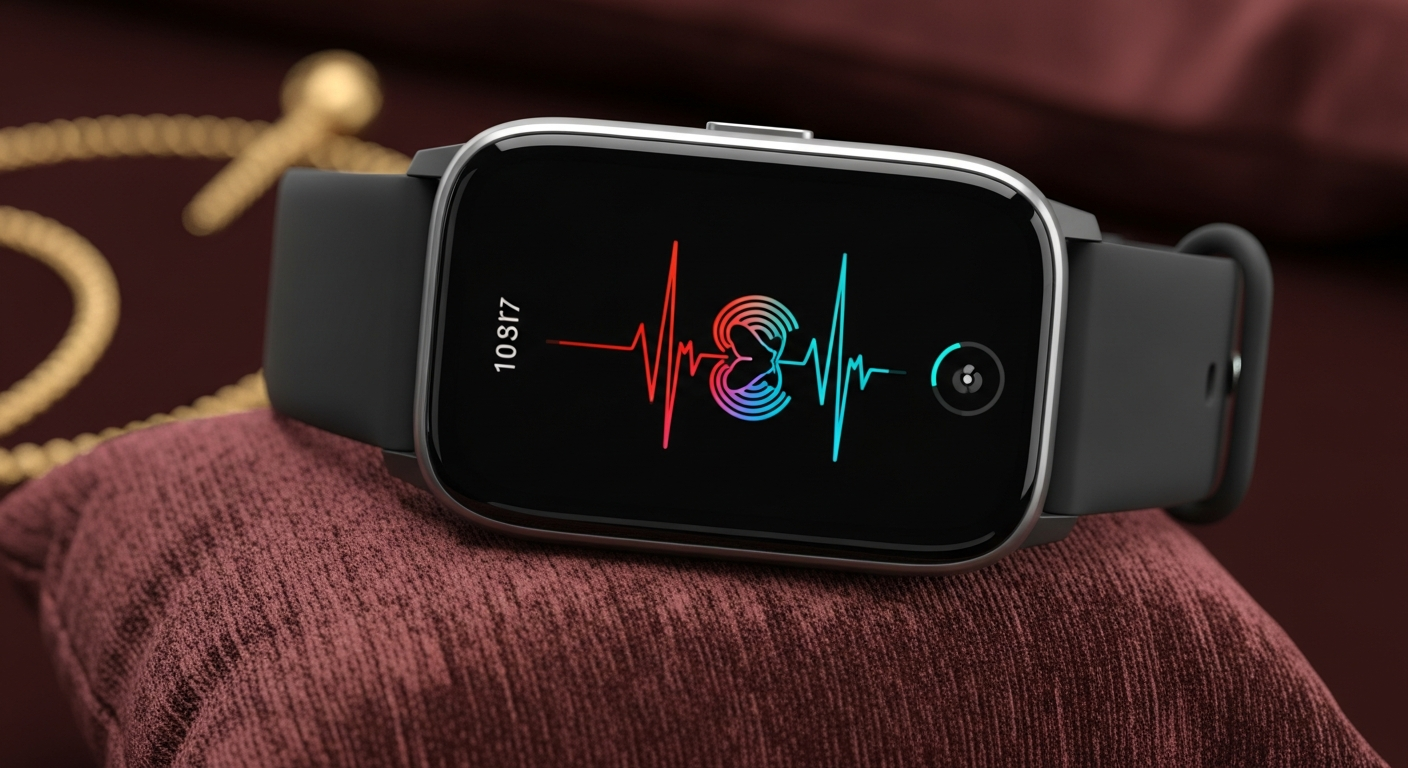
Thinking about getting your first fitness tracker or smartwatch? It can feel overwhelming with so many options, but finding the right one to start your health journey is easier than you think.
This guide will help you understand what to look for, ensuring you pick a device that's perfect for a beginner.
1. What features should a beginner look for?
For a beginner, focus on core features that are easy to understand and use. These include step counting, which tracks how many steps you take; heart rate monitoring, to see your pulse; and basic sleep tracking, which shows how well you slept. Look for devices that also offer simple activity tracking, like logging walks or runs, without too many complicated settings.
2. Are expensive models always better for beginners?
Not necessarily. More expensive models often come with advanced features like built-in GPS for detailed route tracking, ECG (electrocardiogram) for heart health, or cellular connectivity. These can be overkill for someone just starting out. A mid-range or even budget-friendly device often provides all the essential tracking a beginner needs without the added complexity or cost.
3. Which brands are good for first-time users?
For beginners, brands known for user-friendly interfaces and reliable basic tracking are ideal. Fitbit is a popular choice due to its simple app and easy-to-understand data. Garmin offers some excellent entry-level trackers that are durable and have good battery life. For those considering a smartwatch and owning an iPhone, the Apple Watch SE is a simpler, more affordable option than the flagship models.
Basic Fitness Tracker
- Simplicity: Focuses on core health data.
- Battery Life: Often lasts days or weeks.
- Cost: Generally more affordable.
- Design: Lightweight, often subtle.
Full Smartwatch
- Features: Calls, apps, advanced health sensors.
- Battery Life: Usually 1-2 days.
- Cost: Higher price point.
- Design: Larger, more like a traditional watch.
4. Should I start with a basic fitness tracker or a smartwatch?
If your main goal is simply to track your steps, sleep, and heart rate, a basic fitness tracker is an excellent starting point. They are typically less expensive, have longer battery life, and are less distracting. A smartwatch offers more features like phone notifications, apps, and making calls, but they cost more and require more frequent charging. For true beginners, a fitness tracker is often the less overwhelming choice.
5. What's a good budget for a beginner wearable?
You can find a great beginner fitness tracker in the $50-$150 range. These devices will cover all the essential tracking features without breaking the bank. If you're leaning towards an entry-level smartwatch, expect to pay between $150-$300. This budget allows for a good balance of features and ease of use, ensuring you get a reliable device that won't feel too complex.
6. Are there options that are very easy to set up?
Absolutely! Many devices are designed with ease of setup in mind. Look for trackers that pair quickly with your smartphone via Bluetooth and have clear, step-by-step instructions in their companion app. Brands like Fitbit and simpler Garmin models are often praised for their straightforward setup processes, getting you tracking your activity in just a few minutes.
7. Which devices have the simplest apps?
The companion app is where you'll see all your health data, so simplicity is key. The Fitbit app is widely regarded for its clean interface and easy-to-understand graphs, making your stats very clear. Garmin Connect also offers a user-friendly experience, especially if you stick to basic tracking. Apple Health, which integrates with Apple Watch, is also very intuitive for iPhone users.
First-Time Setup Flow
8. What about comfort and fit for new users?
Comfort is crucial, as you'll be wearing it all day and night. Look for lightweight devices with soft, adjustable bands, typically made of silicone, that won't irritate your skin. If possible, try on different models to see how they feel on your wrist. Many brands offer various band sizes, so ensure you pick one that fits snugly but comfortably for accurate readings.
9. Do I need a specific phone type to use it?
Most fitness trackers and smartwatches are compatible with both Android and iPhone smartphones. However, there are exceptions. For example, the Apple Watch only works with iPhones. Always check the device's compatibility requirements before purchasing. You'll need a smartphone to set up the device, sync your data, and view your stats in the companion app via Bluetooth.
10. Where can I find reliable reviews for beginners?
For reliable reviews, look to reputable tech websites like CNET, TechRadar, or Tom's Guide, which often have dedicated sections for beginner-friendly gadgets. Consumer reports organizations also provide unbiased reviews. When reading user reviews on retail sites like Amazon or Best Buy, pay attention to comments specifically mentioning ease of use, setup, and app simplicity for first-time users.