
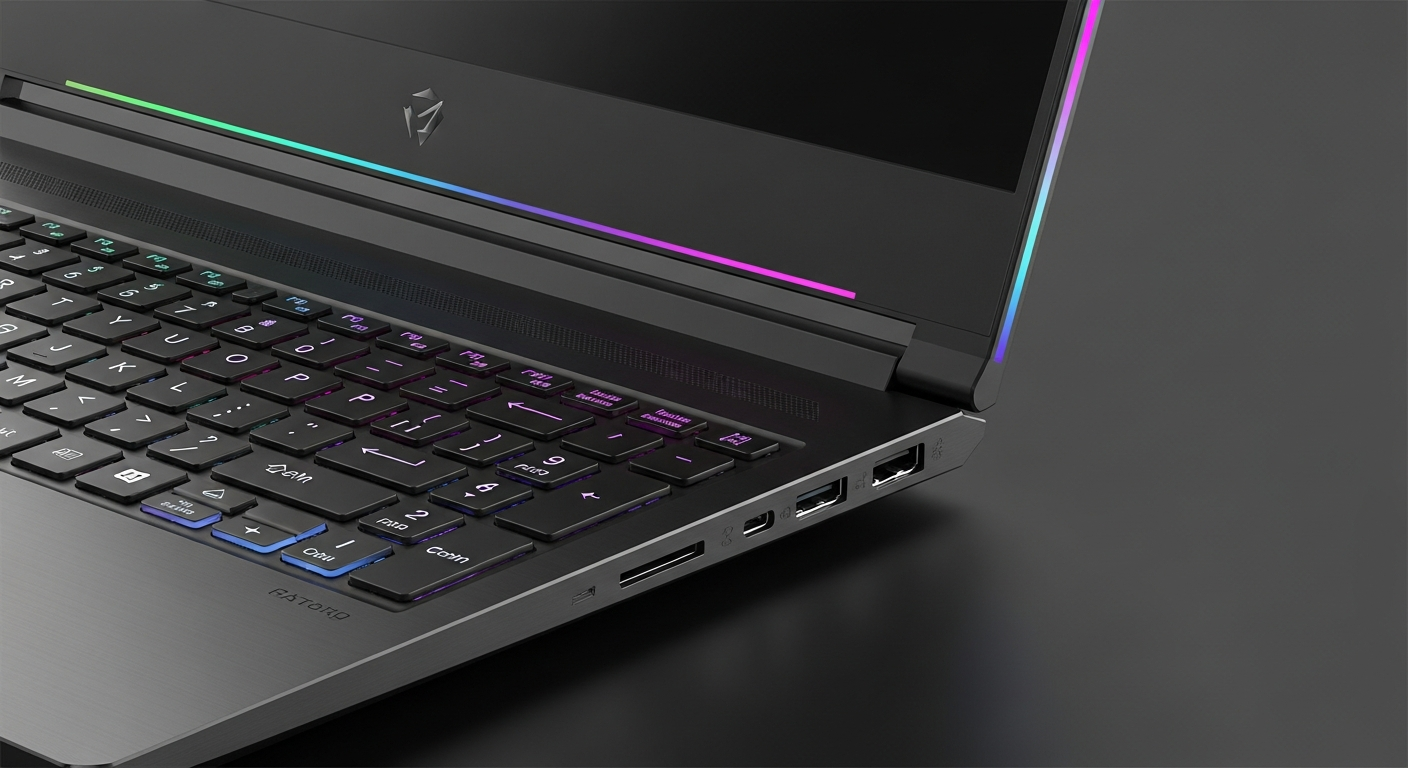
Best Cheap Gaming Laptops in 2026 Under $1000: Your FAQ Guide
Thinking about getting into PC gaming without breaking the bank? You've come to the right place! This guide will answer all your questions about finding a great gaming laptop for under $1000 in 2026.
1. Can you really game on a $1000 laptop?
Absolutely! While you won't be playing every new game on the absolute highest settings, a $1000 gaming laptop in 2026 can comfortably run most popular games at good settings. You'll enjoy smooth gameplay in many titles, especially if you're willing to tweak a few graphics options.
2. What specs should I look for?
Focus on the graphics card (GPU), processor (CPU), and RAM. For 2026, aim for at least an NVIDIA RTX 3050 or AMD Radeon RX 6600M GPU. Pair that with an Intel Core i5 (12th gen or newer) or AMD Ryzen 5 (6000 series or newer) processor. 16GB of RAM is ideal.
3. Do I need a dedicated GPU?
Yes, for true gaming, a dedicated GPU is essential. This is a separate chip specifically designed for handling graphics, making games run smoothly. Laptops without a dedicated GPU use integrated graphics, which are much weaker and only suitable for very light gaming or older titles.
Dedicated GPU
- Purpose: Designed specifically for graphics.
- Performance: Excellent for modern games.
- Cost: Adds to laptop price.
- Power: Uses more battery, generates more heat.
Integrated GPU
- Purpose: Built into the main processor.
- Performance: Basic, for light tasks/old games.
- Cost: Cheaper laptops often have these.
- Power: More power-efficient, less heat.
4. What about screen refresh rate?
The refresh rate tells you how many times per second the screen updates. For gaming, aim for at least 120Hz (Hertz). This makes fast-paced games look much smoother and more responsive than a standard 60Hz screen. It's a noticeable improvement for competitive play.
5. How much RAM is enough?
For gaming in 2026, 16GB of RAM (Random Access Memory) is the sweet spot. While 8GB might be enough for some older or less demanding games, 16GB ensures smoother multitasking and better performance in newer titles. More RAM helps your system handle multiple programs and game assets at once.
6. Which brands are best for cheap gaming laptops?
Look for brands like Acer (Nitro, Predator Helios), HP (Victus, Omen), Lenovo (Legion), and MSI (Katana, Cyborg). These companies often offer good value for money in the sub-$1000 category, balancing performance with build quality. Always check specific model reviews.
7. Cheap gaming laptop vs gaming desktop?
A gaming desktop generally offers more power for the same price and is easier to upgrade. However, a laptop gives you portability, letting you game anywhere. For under $1000, a desktop will likely outperform a laptop, but the laptop's convenience is a huge factor for many.
Gaming Laptop
- Portability: Play anywhere.
- Cost: Less powerful for the price.
- Upgrades: Limited (RAM, storage).
- Convenience: All-in-one package.
Gaming Desktop
- Portability: Stays in one place.
- Cost: More power for the price.
- Upgrades: Easy to upgrade most parts.
- Convenience: Requires monitor, keyboard, mouse.
8. Are 2-in-1 laptops good for gaming?
Generally, no. 2-in-1 laptops, which can convert into tablets, prioritize thinness and versatility over raw gaming power. They rarely have the dedicated graphics cards and cooling systems needed for serious gaming. Stick to traditional clamshell gaming laptops for the best performance.
9. What is the difference vs a $2000 laptop?
A $2000 laptop will have much more powerful components, like an NVIDIA RTX 4070/4080 or AMD Radeon RX 7800XT GPU, a faster CPU, and often a higher refresh rate screen (144Hz-240Hz). This means it can play all games on ultra settings, often at higher resolutions, with better cooling and build quality.
10. Should I buy used to save money?
Buying used can save you money, but it comes with risks. You might not get a warranty, and the laptop's battery life or component lifespan could be reduced. If you do buy used, ensure it's from a reputable seller, check reviews thoroughly, and ideally, inspect the laptop in person before purchasing.