
Want to start making videos but feel overwhelmed? This guide will walk you through the basics of video recording, helping you create great content even if you've never picked up a camera before.
1. What equipment do I need to record video?
You probably already have the most important piece of equipment: a smartphone! Modern smartphones record excellent video. For better sound, consider a small external microphone. A tripod or stand is also helpful for steady shots.
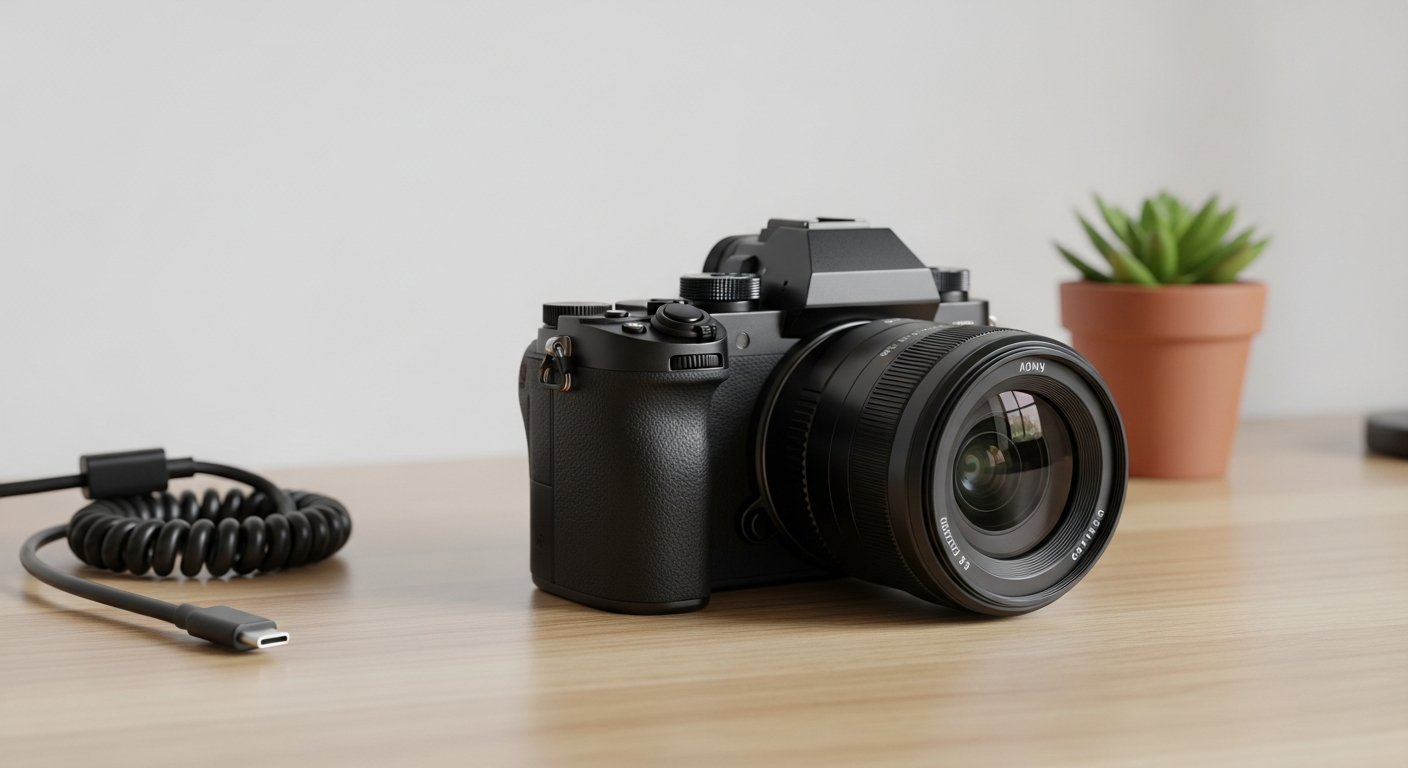
As you get more serious, you might look into dedicated cameras like mirrorless or DSLR cameras. These offer more control and better image quality. Don't forget extra batteries and memory cards!
2. How do I record stable video footage?
Shaky video looks unprofessional. The easiest way to get stable footage is to use a tripod or place your camera on a steady surface. If you're holding it, use both hands and keep your elbows tucked in. Leaning against a wall can also help.
Some cameras and phones have built-in image stabilization, which helps reduce minor shakes. For moving shots, a gimbal (a device that keeps your camera level) can provide very smooth results, but it's an advanced tool.
3. What is video resolution?
Video resolution refers to the number of pixels (tiny dots of color) that make up your video image. More pixels mean a clearer, more detailed picture. Common resolutions are 1080p (Full HD) and 4K (Ultra HD).
Most smartphones record in 1080p or 4K. For beginners, 1080p is perfectly fine and takes up less storage space. 4K offers amazing detail, but requires more powerful computers to edit and larger storage.
1080p (Full HD)
- Good quality for most viewers
- Smaller file sizes
- Easier to edit
- Works well on phones, tablets, laptops
4K (Ultra HD)
- Excellent detail and sharpness
- Larger file sizes
- Requires more powerful devices to edit/play
- Best for large screens or future-proofing
4. How important is lighting when recording video?
Lighting is incredibly important – it can make or break your video! Good lighting makes your subject clear and vibrant. Bad lighting can make everything look dark, grainy, or washed out. Natural light, like sunlight from a window, is often the best and easiest option.
Position your subject facing the light source, not with the light behind them (this creates a silhouette). Avoid harsh overhead lights which can create unflattering shadows. For indoor recording, you might use simple lamps to brighten your scene.
5. How can I get good audio for my videos?
Clear audio is crucial. Viewers will tolerate slightly less-than-perfect video quality if the audio is good, but bad audio will make them click away fast. The built-in microphone on your phone or camera is okay, but it picks up a lot of background noise.
For better audio, get an external microphone. A lavalier mic (a small clip-on mic) is great for recording one person speaking. A shotgun mic can capture sound from a specific direction. Always record in a quiet environment if possible.
6. Should I record horizontally or vertically?
The standard way to record video is horizontally (landscape mode), like a TV screen. This is best for YouTube, traditional websites, and most viewing experiences. It gives a wider, more cinematic look.
Vertically (portrait mode) is popular for platforms like TikTok, Instagram Stories, and YouTube Shorts, where people often watch on their phones held upright. Decide where your video will be seen most and record accordingly.
7. What are some basic camera movements?
While often best to keep the camera still as a beginner, knowing basic movements can add polish. A "pan" is when you move the camera horizontally from left to right or right to left, often to follow action or show a wide scene. A "tilt" is when you move the camera vertically, up or down.
Keep movements slow and smooth. Avoid zooming in and out too much, especially with a phone, as it can look jerky and reduce quality. It's often better to move closer to your subject physically.
Simple Video Recording Flow
8. How do I plan what to record?
Even for simple videos, a little planning goes a long way. Decide on your video's main message or purpose. Who is your audience? What do you want them to learn or feel? This helps you focus your content.
You don't need a full script, but jot down key points or a rough outline. Think about what shots you need to tell your story. This preparation saves time and makes recording much smoother.
9. What's a good length for beginner videos?
For beginners, shorter is often better. Aim for videos that are 1-5 minutes long. This makes them easier to plan, record, and edit. People also have shorter attention spans online, so concise content is more likely to be watched completely.
As you gain experience, you can experiment with longer formats. The best length ultimately depends on your content and audience, but starting short helps you practice the fundamentals.
10. How do I store my video files?
Video files, especially in higher resolutions, can be very large. It's important to have a good storage strategy. Always back up your files! You can use external hard drives, which offer lots of space at a reasonable cost.
Cloud storage services like Google Drive, Dropbox, or OneDrive are also excellent options. They let you access your files from anywhere and provide an off-site backup. Just make sure you have enough space for your growing video library.