
Working from home, or remotely, can be a big change, but it also offers lots of flexibility. This guide will help you stay on track and get things done, even if you're new to it.
1. What is a good daily routine for remote work?
A good routine helps your brain switch into "work mode." Start your day like you would for an office job: wake up at a regular time, get dressed, and have breakfast. This helps create a clear boundary between your personal time and work time, making it easier to focus.
2. How can I avoid distractions at home?
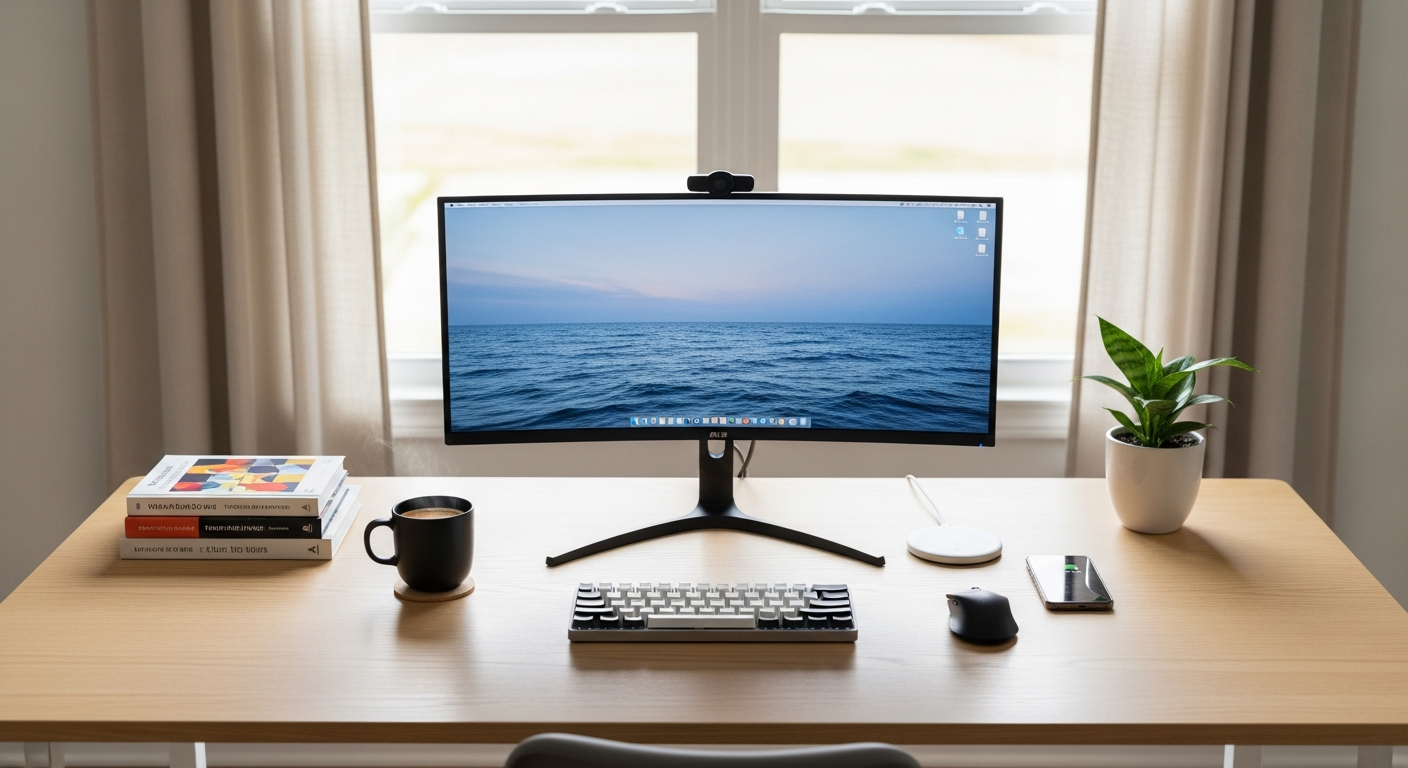
Distractions are common at home. Try to set up a dedicated workspace, even if it's just a corner of a room. Let family members know your work hours so they understand when you need quiet time. Turning off non-essential notifications on your phone and computer can also help immensely.
3. What are some time management techniques for beginners?
The Pomodoro Technique is great for beginners. You work for 25 minutes, then take a 5-minute break. After four cycles, take a longer 15-30 minute break. This helps you focus in short bursts and prevents burnout, making your work sessions more effective.
Office Work
- Fixed location
- Set hours
- Built-in social interaction
- Fewer home distractions
Remote Work
- Flexible location
- Flexible hours
- Requires intentional connection
- More home distractions
4. How do I create a work schedule?
Start by listing all your tasks for the day or week. Then, block out specific times in your calendar for each task. Be realistic about how long things take. Remember to include time for breaks and lunch. Sticking to this schedule helps you manage your workload and feel more in control.
5. Is taking breaks important?
Absolutely! Short, regular breaks prevent mental fatigue and help you stay sharp. Step away from your screen, stretch, grab a drink, or do something non-work related. These pauses refresh your mind, making it easier to return to your tasks with renewed energy and focus.
6. How can I stay motivated?
Break large tasks into smaller, manageable steps. This makes them seem less daunting and gives you a sense of accomplishment as you complete each part. Celebrate small wins, like finishing a tough report or clearing your inbox, to keep your spirits high. Connecting with colleagues can also boost morale.
7. What tools help with focus?
Simple tools can make a big difference. A digital calendar helps you organize your schedule. Task management apps (like Trello or Asana) let you list and track your to-dos. Noise-canceling headphones can block out household sounds, and website blockers can temporarily prevent access to distracting sites.
Setting Up for Remote Productivity
1. Create a Routine
Wake, dress, eat at regular times.
2. Dedicated Space
Set up a specific work area.
3. Plan Your Day
Schedule tasks & breaks.
4. Minimize Distractions
Turn off notifications, inform family.
5. Take Breaks
Step away, recharge often.
8. How do I deal with household interruptions?
Communication is key. If you live with others, explain your work schedule and boundaries. Use a "do not disturb" sign on your door. For unavoidable interruptions, try to handle them quickly and then immediately return to your task. Setting clear expectations helps everyone.
9. Should I set daily goals?
Yes, absolutely! Setting 1-3 clear, achievable goals for each day gives you direction and a sense of purpose. These goals should be specific, like "finish report draft" or "respond to 10 emails," rather than vague tasks. Achieving them provides a powerful boost to your productivity and motivation.
10. How can I track my progress?
Keeping a simple to-do list and checking off items as you complete them is a great start. You can also use digital tools like project management apps or even a simple spreadsheet. Regularly reviewing what you've accomplished helps you see your progress, stay accountable, and adjust your plans as needed.