
What Are the Easiest Ways for Beginners to Shoot Better Videos?
Want to shoot better videos but don't know where to start? This guide will help you understand the basics of video creation using simple tips and tricks.
1. How do I hold my phone/camera steady for video?
Shaky video is distracting. The easiest way to keep your device steady is to use both hands. Brace your elbows against your body for extra support. For even better results, lean against a wall or use a stable surface like a table to rest your device on.
2. What's the best lighting for video?
Good lighting makes a huge difference. Natural light, like sunlight coming through a window, is often the best and easiest. Position your subject facing the light source, not with the light behind them. Avoid direct overhead lights, which can create harsh shadows.
3. How do I record clear audio for video?
Clear sound is just as important as good video. Get your phone or camera close to the person speaking. Try to record in quiet environments, away from noisy appliances or busy streets. Even a simple pair of wired headphones with a microphone can improve sound quality significantly.
Good Video
- Steady footage
- Bright, even lighting
- Clear, audible sound
- Simple background
Bad Video
- Shaky camera
- Dark or harsh lighting
- Muffled or noisy sound
- Cluttered background
4. What frame rate should I use?
Frame rate refers to how many still images (frames) are shown per second. For most regular videos, like vlogs or interviews, 24 frames per second (fps) or 30 fps is perfect. Higher frame rates, like 60 fps, are great for slow-motion effects, but use more storage space.
5. How do I compose a video shot?
Composition is how you arrange elements in your shot. A simple rule is the "Rule of Thirds." Imagine your screen divided into nine equal boxes. Place your subject along these lines or at their intersections for a more interesting and balanced look than just putting them in the middle.
6. What is a good video resolution?
Resolution means the detail in your video, measured in pixels. For most beginners, 1080p (also called Full HD) is an excellent choice. It looks great on most screens and doesn't take up too much storage. 4K offers more detail but requires more powerful devices and larger file sizes.
7. How do I avoid shaky footage?
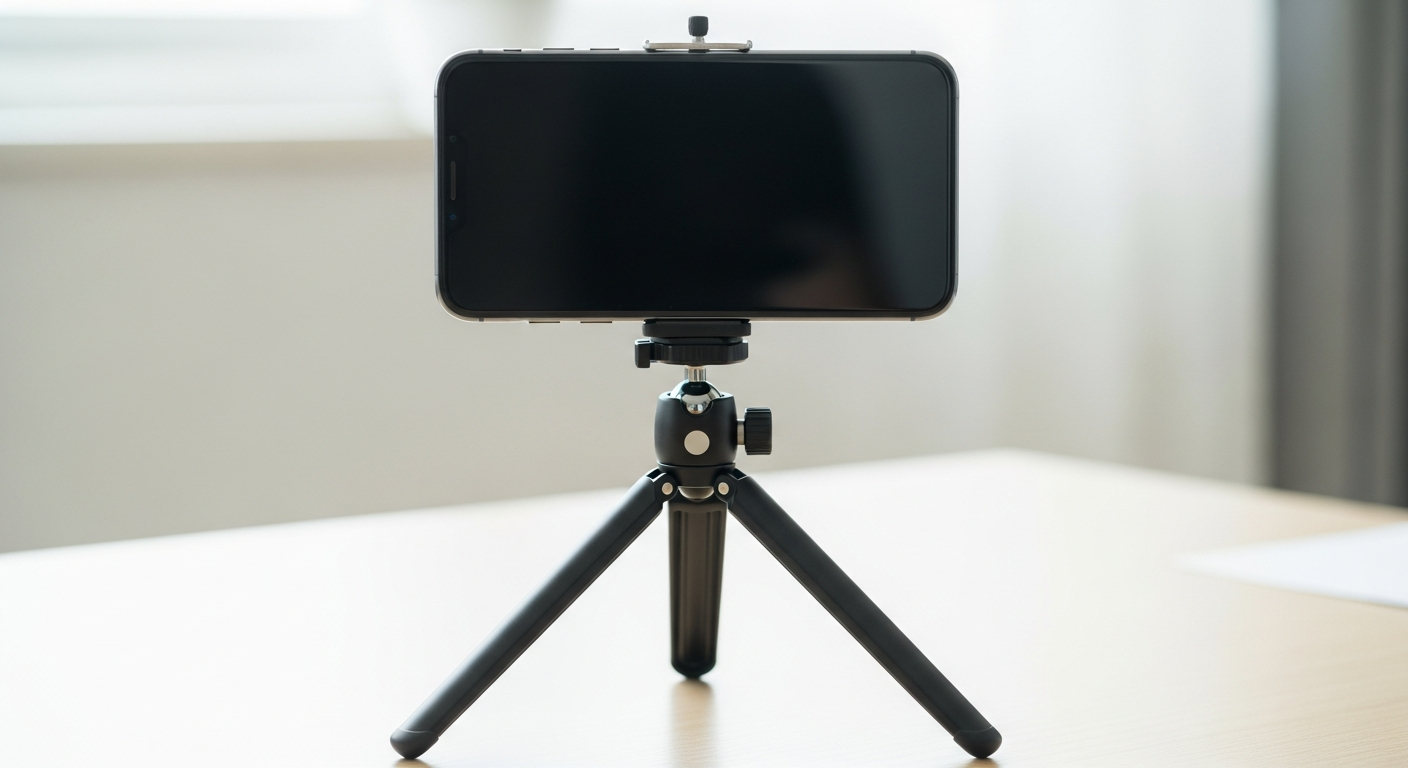
Beyond holding your device steady, consider using accessories. A small tripod or a "gimbal" (a device that stabilizes your phone or camera) can make a huge difference. Many modern phones also have built-in digital stabilization that helps smooth out minor shakes.
Steps to Smoother Video
- Hold device with two hands, elbows braced.
- Lean against a wall or use a stable surface.
- Enable built-in digital stabilization (if available).
- Consider a small tripod or gimbal for best results.
8. What's the importance of background in video?
Your background should complement your subject, not distract from it. Look for clean, uncluttered backgrounds. A plain wall or a natural setting with some depth works well. Avoid busy patterns, bright lights, or anything that might draw attention away from your main focus.
9. How long should my video clips be?
For beginners, shorter clips are often better. Aim for clips that are only a few seconds long, focusing on one specific action or idea. This makes editing easier and keeps your final video engaging. You can always combine many short clips into a longer story.
10. What are basic camera movements?
Start with simple movements. A "pan" is moving your camera horizontally (left to right or right to left) from a fixed spot. A "tilt" is moving it vertically (up and down). Keep these movements slow and steady, and only use them when they add to your story, not just for the sake of moving.