
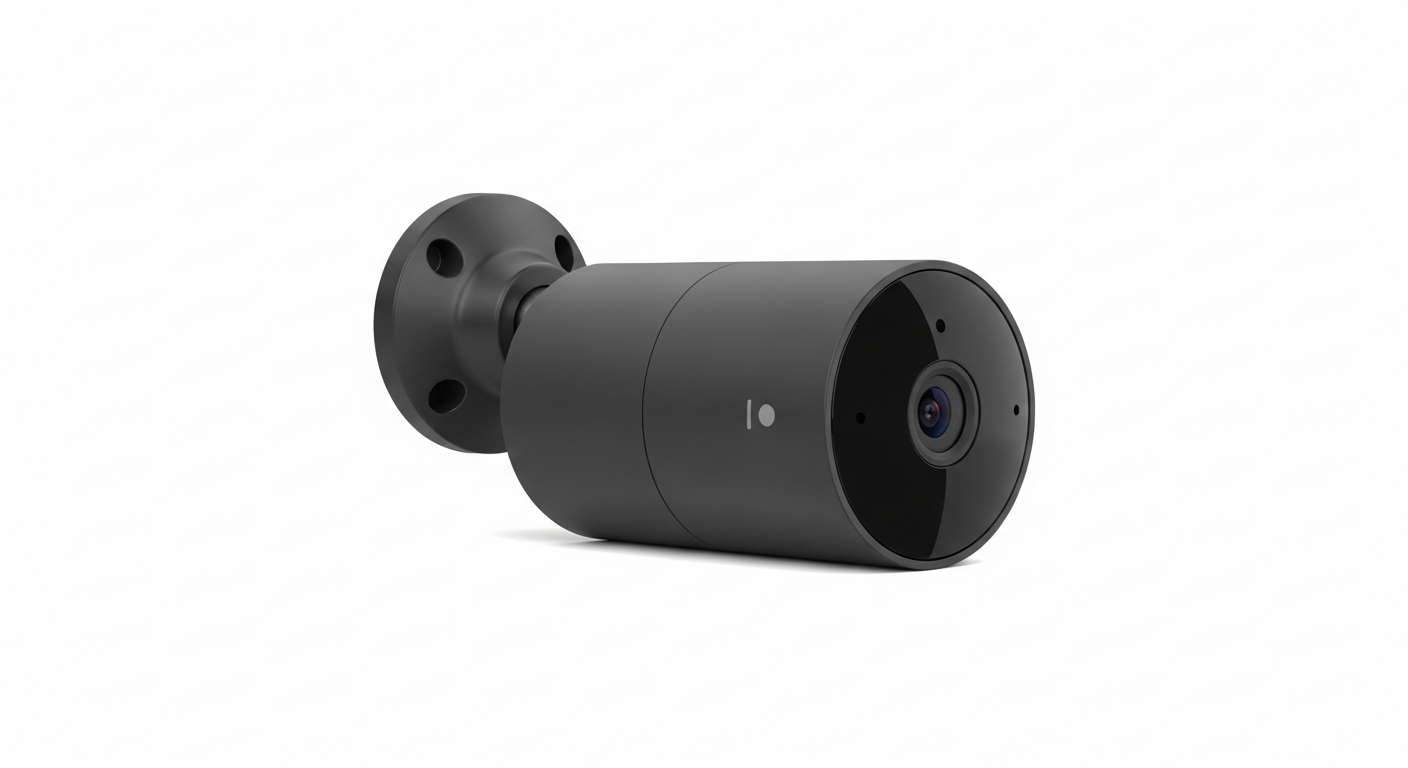
Welcome to the world of smart home security! This guide will help you understand how simple technology can make your home safer and give you peace of mind.
1. What is basic smart home security?
Basic smart home security uses simple, connected devices to help protect your home. These devices can watch for unusual activity, alert you to problems, and even let you see what's happening when you're not there. It's about making your home smarter and more secure without complex systems.
2. What devices are considered basic security?
Common basic smart security devices include smart cameras (for seeing what's happening), smart doorbells (to see who's at your door), and smart sensors (to detect open doors or windows). These devices are usually easy to set up and manage, perfect for beginners.
3. How do smart cameras work?
Smart cameras connect to your home's internet (Wi-Fi). They record video when they detect motion or sound, then send that video to a secure online storage space called "the cloud." You can then watch these recordings or live video from your phone or tablet, no matter where you are.
Indoor Smart Camera
- Monitors inside your home
- Often smaller, less rugged
- Good for pets, kids, general surveillance
- Usually plugs into wall power
Outdoor Smart Camera
- Monitors outside your home
- Weatherproof design (rain, sun)
- Good for packages, visitors, property perimeter
- May be battery-powered or wired
4. Do I need a subscription for smart security?
Many smart security devices offer basic features for free, like live viewing and instant alerts. However, subscriptions often unlock extra benefits such as longer video storage, advanced motion detection, or professional monitoring. It depends on how many features you need and your budget.
5. How do I set up a smart doorbell?
Setting up a smart doorbell usually involves removing your old doorbell and connecting the new one to the existing wires. Most come with step-by-step instructions and tools. After physical installation, you connect it to your home Wi-Fi using a smartphone app, which guides you through the process.
6. Can I monitor my home remotely?
Yes, absolutely! That's one of the biggest benefits of smart home security. As long as your devices are connected to the internet and you have your smartphone or tablet, you can check live camera feeds, get alerts, and even talk through your smart doorbell from anywhere in the world.
7. Are smart security devices easy to install?
For most basic devices, yes, they are designed for easy do-it-yourself (DIY) installation. Many cameras just plug in and connect via an app. Doorbell cameras might require a little more work with existing wiring, but instructions are usually very clear. If you're unsure, a local handyman can help.
Basic Smart Device Setup Flow
8. What about privacy concerns?
Privacy is important. Smart security devices use encryption to protect your data, meaning your videos are scrambled so only you can see them. Choose reputable brands that have strong privacy policies. You can also place cameras strategically to only monitor your property and avoid recording public spaces or neighbors' homes.
9. Can I get alerts on my phone?
Absolutely! This is a core feature. When a smart camera detects motion, a smart doorbell is pressed, or a sensor detects an open door, your smartphone app will send you an instant notification. This allows you to react quickly, whether it's checking on a package delivery or an unexpected visitor.
10. What if my internet goes down?
Most smart security devices rely on your home internet (Wi-Fi) to send alerts and video to your phone. If your internet goes down, these remote features will stop working. Some devices have local storage (like an SD card) to continue recording during an outage, but you won't get remote alerts until your internet is back online.