
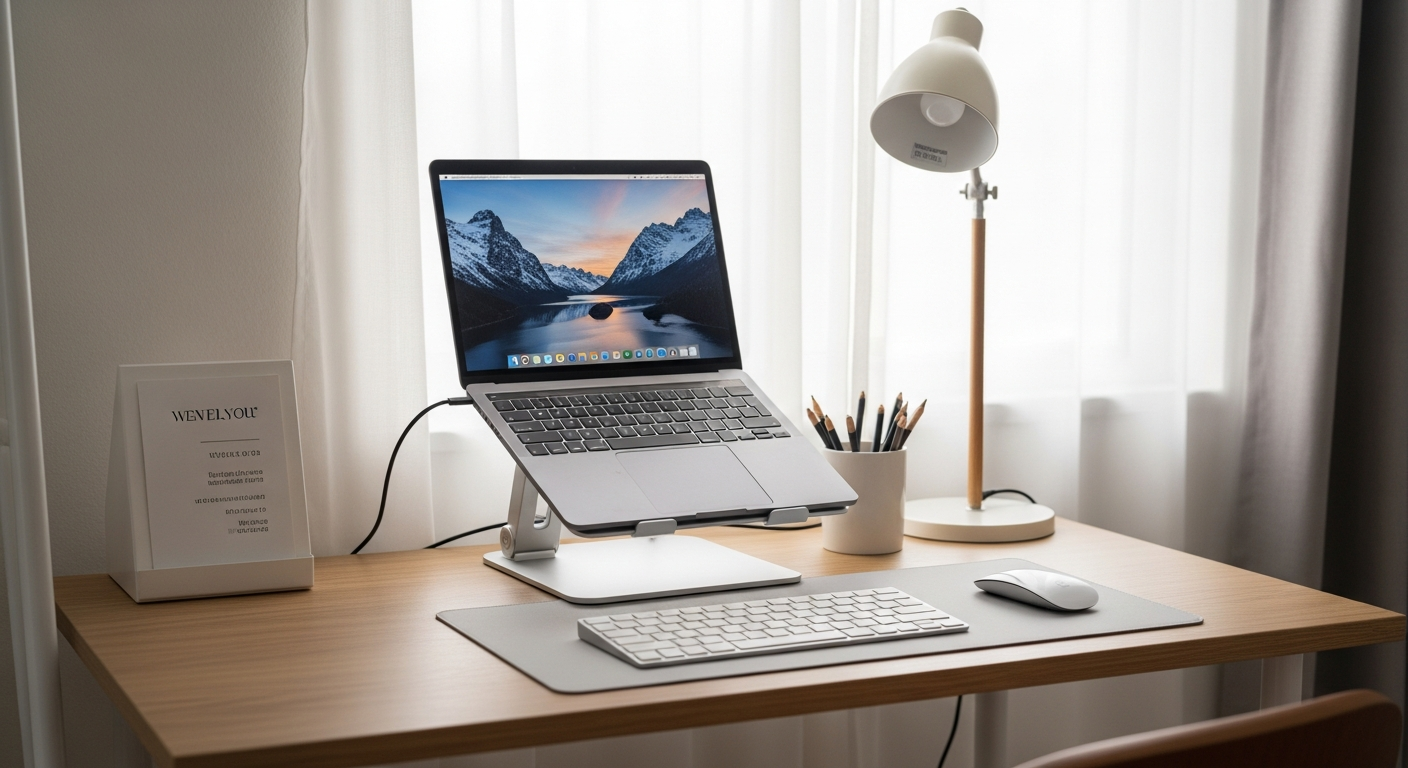
What Do I Need for a Basic Home Office Setup as a Beginner?
Setting up a home office can feel overwhelming, but it doesn't have to be! This guide will walk you through the essentials, making it easy to create a comfortable and productive workspace right at home.
1. What's the most important item for a home office?
The most crucial item is a reliable computer. Whether it's a laptop or a desktop, your computer is the heart of your work. It allows you to connect with colleagues, complete tasks, and access all the tools you need for your job.
2. Do I need a dedicated room for my home office?
No, a dedicated room is not always necessary. While it's ideal for focus, many people successfully work from a corner of a living room, a spare bedroom, or even a kitchen counter. The key is to create a space that feels separate and allows you to concentrate.
3. What kind of desk is best for a beginner?
For beginners, a simple, sturdy desk with enough surface area for your computer and a few essentials is perfect. Look for one that fits your space and budget. A basic rectangular desk, around 48-60 inches wide, often works well. You don't need anything fancy to start.
Laptop
- Portable and flexible
- Built-in screen and keyboard
- Good for small spaces
- Often more expensive for same power
Desktop
- More powerful for the price
- Easier to upgrade parts
- Requires external monitor/keyboard
- Less portable, stays put
4. How about a good chair for long hours?
A good ergonomic chair is vital for comfort and health, especially if you'll be sitting for long periods. Look for one with adjustable height, back support, and armrests. You don't need the most expensive model, but investing in a comfortable chair will prevent aches and improve your focus.
5. What computer setup is recommended for remote work?
A modern laptop or desktop computer with at least 8GB of RAM and a solid-state drive (SSD) is recommended. This ensures your computer runs smoothly and quickly. Most remote work tasks, like video calls and document editing, don't require super-powerful machines, but a responsive computer makes a big difference.
6. Should I get an external monitor?
Yes, an external monitor is highly recommended if your budget allows. It significantly increases your screen space, making it easier to multitask and view multiple documents at once. A 24-inch or 27-inch monitor is a popular choice and connects easily to most laptops and desktops.
7. What about internet speed requirements?
For most remote work, a download speed of at least 25-50 Mbps and an upload speed of 5-10 Mbps is sufficient. This allows for smooth video calls, quick file downloads, and reliable browsing. If multiple people in your home use the internet heavily, consider a slightly faster plan.
Setting Up Your Workspace Flow
Choose Your Spot
Find a quiet corner or room with good light.
Desk & Chair
Set up your desk and adjust your chair for comfort.
Computer & Monitor
Place your computer and external monitor at eye level.
Connect & Organize
Plug in devices, manage cables, and test internet.
8. Do I need a printer for remote work?
In 2026, a printer is often not essential for most remote jobs. Many documents are handled digitally, and signing can be done electronically. If you occasionally need to print, a small, inexpensive inkjet printer will suffice, or you can use local print services.
9. What lighting is best for a workspace?
Good lighting is crucial to reduce eye strain. Natural light is ideal, so try to position your desk near a window if possible. Supplement with a desk lamp that provides soft, even light. Avoid overhead lights that cause glare on your screen. Warm white light is generally best.
10. How can I organize my cables neatly?
Cable clutter can be distracting. Use simple tools like cable ties, Velcro straps, or a cable management box to keep wires tidy. Mount a power strip under your desk to centralize connections. This makes your workspace look cleaner and prevents tangled messes.