
In today's digital world, staying focused can feel like a superpower. This guide will help you understand and manage those pesky digital interruptions so you can get more done.
1. Why are digital distractions so common?
Our phones, computers, and tablets are designed to grab our attention. Apps send notifications, websites offer endless content, and social media constantly updates. These tools are built to keep us engaged, making it easy to get pulled away from our main tasks.
2. How do I identify my biggest digital distractions?
Start by noticing what pulls you away most often. Is it social media, news alerts, or instant messages? Many devices have "Screen Time" or "Digital Wellbeing" reports that show how much time you spend on different apps. This data can pinpoint your biggest time-wasters.
3. What is "Do Not Disturb" mode and how do I use it?
"Do Not Disturb" (DND) is a setting on your phone or computer that silences all alerts. When DND is on, calls, texts, and app notifications won't make sounds or light up your screen. You can usually find it in your device's settings or quick access menu, and you can often schedule it to turn on automatically.
"Do Not Disturb" Mode
- Silences all notifications
- Hides visual alerts
- Can be scheduled
- Great for deep focus
Regular Notifications
- Alerts for every app
- Constant sounds/vibrations
- Interrupts concentration
- Good for staying updated
4. Should I turn off notifications?
Yes, for most apps, turning off notifications is a powerful step. Only keep alerts on for truly urgent things, like calls from family. Every buzz or pop-up breaks your focus, even if you don't check it. You can always check apps manually when you decide it's time.
5. Are there apps that block distracting websites?
Absolutely! Many apps and browser extensions are designed to block distracting websites like social media or news sites during specific times. Popular options include Freedom, Cold Turkey, and Forest. They help you stay away from tempting sites by making them temporarily inaccessible.
6. How can I resist checking social media?
Beyond blocking apps, try putting your phone in another room or in a drawer while you work. Log out of social media accounts on your computer so it's not a one-click temptation. Set specific times to check social media, like during a planned break, and stick to those times.
7. What's the role of environment in avoiding distractions?
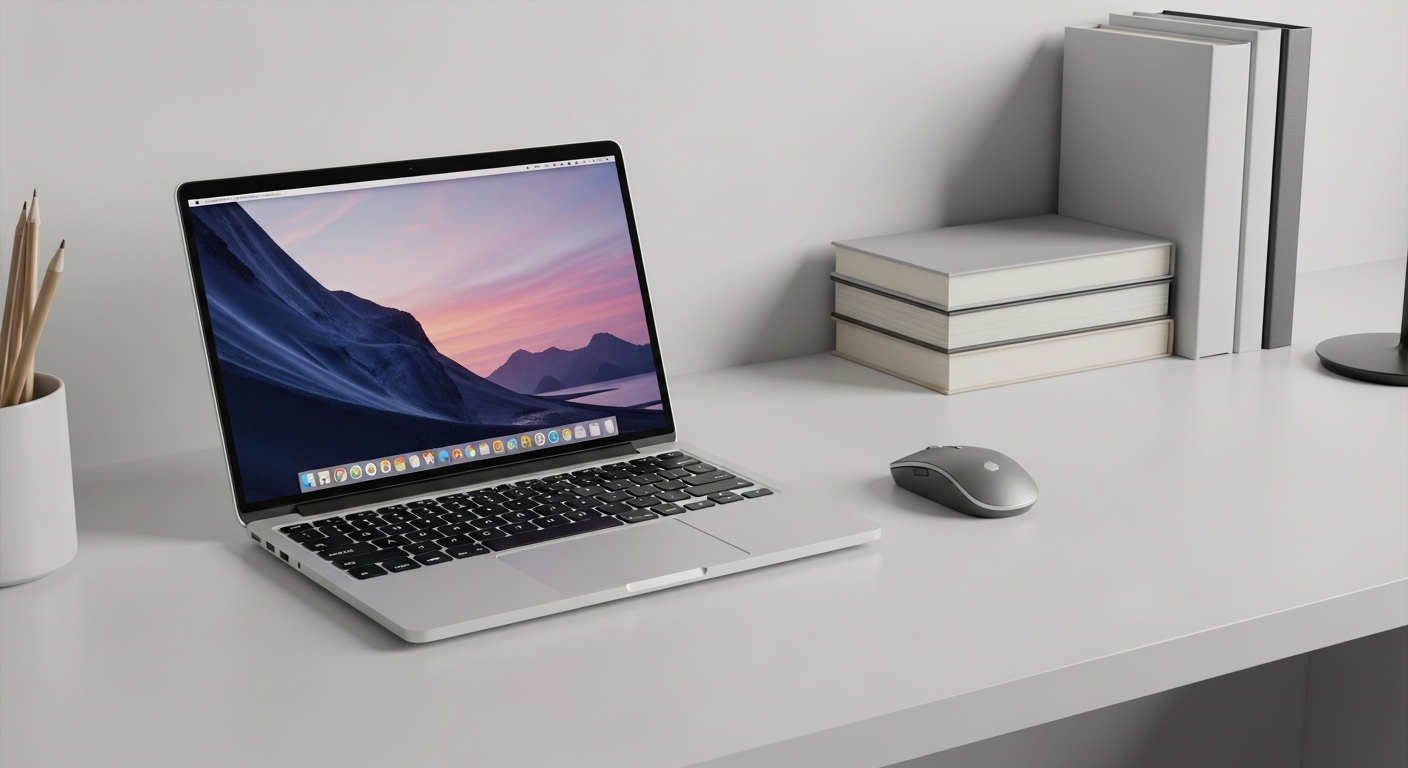
Your physical space plays a huge role. A tidy, dedicated workspace signals to your brain that it's time to focus. Keep your phone out of sight, turn off background TVs, and let others know you need uninterrupted time. A quiet, organized space helps minimize digital and physical interruptions.
Setting Up a Focus Zone
8. How do I take effective breaks without getting distracted?
Plan your breaks. Instead of immediately grabbing your phone, try a short walk, stretch, or grab a snack. Set a timer for your break, and when it's up, return to your task. If you do check your phone, set a strict limit to avoid falling down a digital rabbit hole.
9. What if I need the internet for my work?
Even if you need the internet, you can still minimize distractions. Use browser extensions that block specific distracting sites but allow work-related ones. Close all unnecessary tabs and apps. Consider using a separate "work browser" profile that only has essential bookmarks and no social media logins.
10. How can I build focus over time?
Start with small steps. Try 25 minutes of focused work followed by a 5-minute break (the "Pomodoro Technique"). Gradually increase your focus time. Practice mindfulness exercises to train your brain to stay in the present. Consistency is key; the more you practice, the better you'll become at ignoring digital noise.