
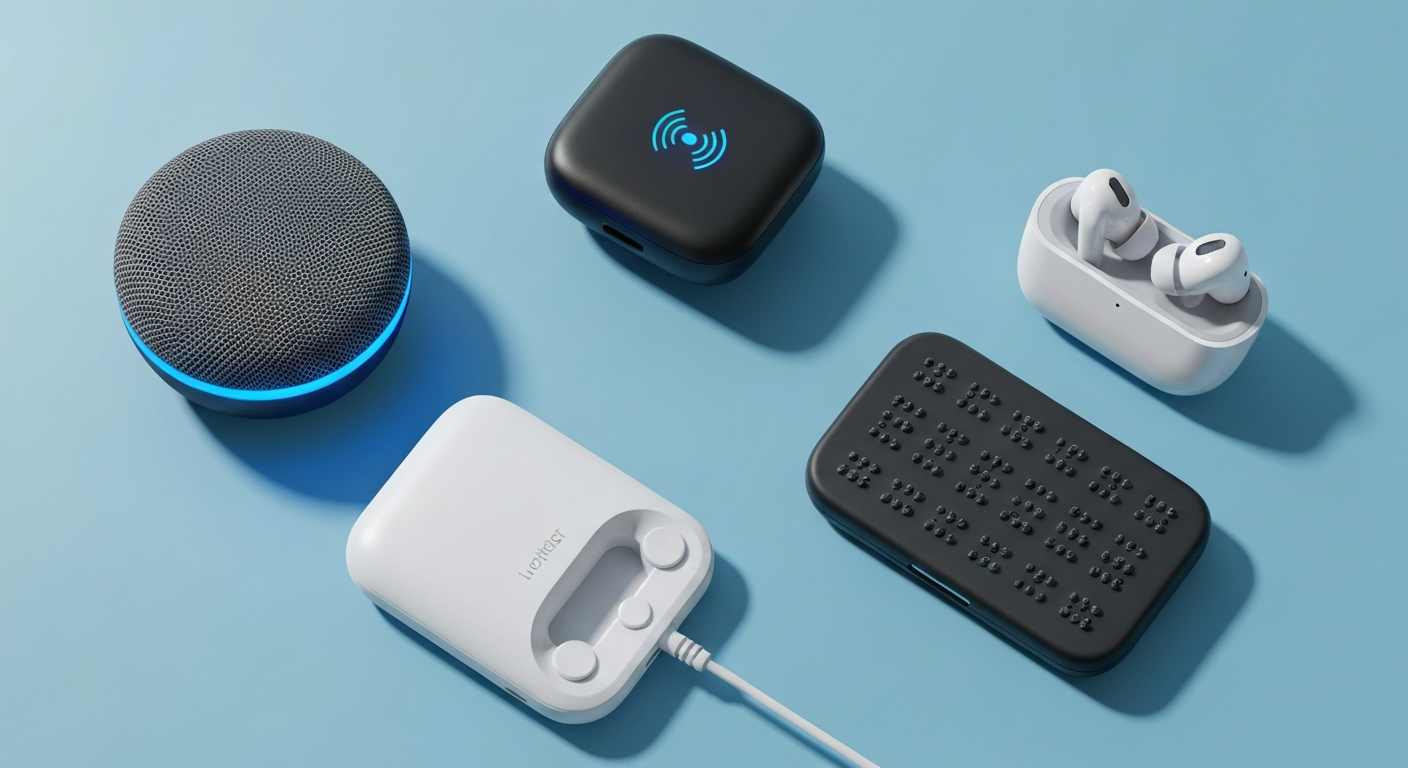
As we get older, our senses might not be as sharp as they once were. Thankfully, many smart tools, called assistive technologies, can help seniors stay connected and independent, even with hearing or vision loss.
1. What is assistive technology?
Assistive technology refers to any device, software, or equipment that helps people with disabilities perform tasks they might otherwise find difficult. For seniors, this means tools designed to make everyday activities easier, especially when dealing with changes in hearing or vision.
These technologies can range from simple, physical tools like large-print keyboards to advanced digital solutions like screen readers or smart hearing aids. Their main goal is to improve independence, safety, and quality of life.
2. How can digital hearing aids connect to devices?
Modern digital hearing aids are much more than just sound amplifiers. Many now feature Bluetooth technology, allowing them to wirelessly connect to other devices. This means you can stream audio directly from your smartphone, tablet, or even your TV straight into your hearing aids.
This connection makes phone calls clearer, lets you listen to music or podcasts privately, and ensures you don't miss important sounds from your favorite shows. It turns your hearing aids into personal wireless headphones, greatly enhancing your listening experience.
3. What are screen readers and how do they work?
Screen readers are software programs that read aloud what's displayed on a computer or smartphone screen. They are incredibly helpful for people with significant vision loss, allowing them to navigate digital content without needing to see it.
When you move your mouse or use keyboard commands, the screen reader announces the text, buttons, and menus. It describes images and other visual elements, giving a spoken tour of the screen. This allows users to browse websites, write emails, and use apps independently.
Digital Hearing Aids
- Amplify sounds clearly
- Connect wirelessly to phones/TVs
- Customizable settings for different environments
- Discreet and comfortable
Screen Readers
- Read screen content aloud
- Navigate computers/phones without sight
- Describe images and buttons
- Essential for severe vision loss
4. Are there devices to magnify text on screens?
Yes, many devices and software programs can magnify text and images on screens. Most computers and smartphones have built-in accessibility features that allow you to zoom in on parts of the screen or increase the size of all text and icons.
There are also dedicated electronic video magnifiers, sometimes called CCTVs, which use a camera to display a magnified view of physical documents or objects onto a screen. This helps with reading mail, looking at photos, or even doing hobbies like needlework.
5. What are large print keyboards?
Large print keyboards are computer keyboards specifically designed with bigger letters and numbers printed on the keys. The characters are often in a high-contrast color, like white letters on black keys or yellow letters on black keys, making them much easier to see.
These keyboards reduce eye strain and make typing more comfortable and accurate for individuals with low vision. They are a simple yet effective tool for improving computer accessibility without needing complex software.
6. How does voice-to-text help with typing?
Voice-to-text, also known as speech-to-text or dictation software, allows you to speak into a microphone, and your words are automatically converted into written text on your computer or phone. This eliminates the need for traditional typing.
It's incredibly helpful for seniors who have difficulty seeing the keyboard, experience hand tremors, or find typing painful. You can write emails, documents, and messages simply by speaking, making digital communication much more accessible and efficient.
7. Are there special mice for easier computer use?
Absolutely! Several types of mice are designed to make computer navigation easier for those with limited dexterity or vision. These include trackball mice, which stay stationary while you move a ball with your thumb or fingers, reducing wrist movement.
There are also vertical mice that keep your hand in a more natural, handshake position, reducing strain. For those with severe motor difficulties, joystick mice or even head-tracking systems can replace traditional mouse functions, offering more comfortable and precise control.
Using Voice-to-Text
8. Can my phone help with reading signs?
Yes, many modern smartphones have features and apps that can assist with reading signs or other real-world text. Using your phone's camera, some apps can capture text and then read it aloud, or magnify it on your screen.
Some advanced apps even use augmented reality to highlight text or objects in your camera's view. This can be incredibly useful for reading restaurant menus, product labels, street signs, or bus numbers when out and about, providing greater independence.
9. What about vibrating alerts for notifications?
Vibrating alerts are a fantastic alternative to audible notifications, especially for seniors with hearing loss. Most smartphones, smartwatches, and even some home devices can be set to vibrate instead of, or in addition to, making a sound.
This ensures you don't miss important calls, messages, or reminders. Smartwatches worn on the wrist are particularly effective, as the vibration is felt directly, making it a reliable way to stay aware of incoming alerts without relying on hearing.
10. Where can I find these assistive devices?
You can find assistive devices in several places. Many mainstream electronics stores carry large-print keyboards, specialized mice, and smartphones with strong accessibility features. Online retailers also offer a wide selection of these products.
For more specialized equipment like advanced hearing aids or electronic video magnifiers, you might visit an audiologist, an optometrist specializing in low vision, or dedicated assistive technology stores. Local senior centers or disability organizations can also provide guidance and resources.